 HardDiskSentinel
Practical guide
When the disk is uncertain, backups come before curiosity.
It is tempting to test, repair and optimize first. Resist that. If the data matters, make a readable copy before adding stress.
Prioritize irreplaceable data
Start with documents, photos, project files, databases and anything that cannot be recreated. Applications can be reinstalled; personal data often cannot.
Copy gently
Avoid unnecessary writes to the suspect drive. Copy the most important files first instead of trying to clone everything immediately.
Verify the backup
A backup is only useful if it opens. Spot-check files and confirm the destination is healthy too.
Then diagnose
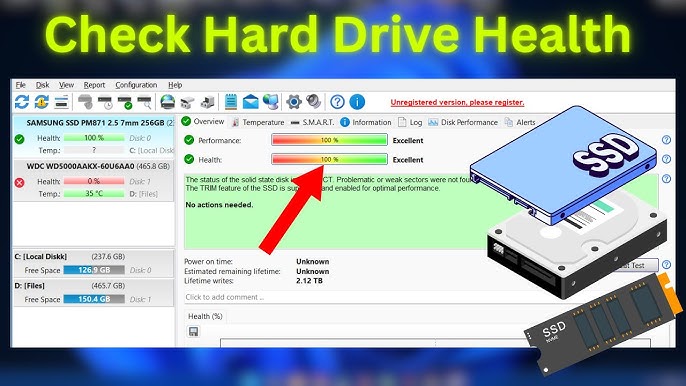
Once the data is safe, reports and tests can help determine whether the drive is reusable, repairable or ready for retirement.
Ready to inspect your storage health?
Use the download section as your starting point, then return to the guides when a number, warning or graph needs interpretation.
Download