 HardDiskSentinel
Practical guide
How to check hard drive health without making the situation worse.
The right health check starts with observation, not stress. Read the overview, protect important files, then test with a clear purpose.
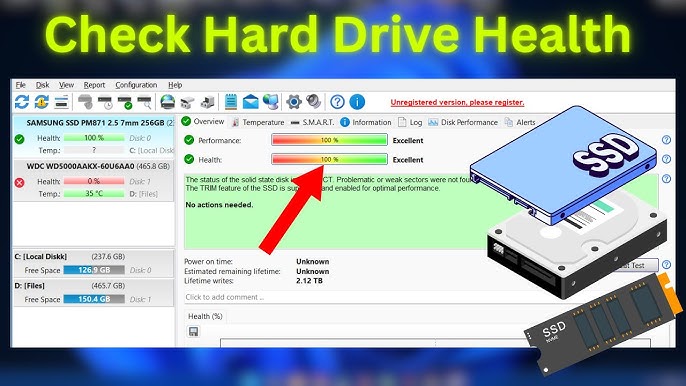
Start with the overview message
The health and performance bars are fast indicators, but the text explanation is where the useful detail lives. Look for bad sectors, weak sectors, communication errors, spin-up issues and temperature warnings.
Match symptoms to data
Slow folders, copy errors and freezes become more meaningful when they line up with SMART changes or a falling health score. If symptoms are severe, copy data before running long tests.
Use tests after the backup
Short self-tests and non-destructive surface checks can confirm whether the drive is stable. If errors grow during testing, stop treating the disk as dependable.
Decide what the drive is allowed to hold
A recovered or questionable drive may still be useful for temporary data, but it should not hold the only copy of anything important.
Ready to inspect your storage health?
Use the download section as your starting point, then return to the guides when a number, warning or graph needs interpretation.
Download